
Audio & Video Systems
Technology that fits the space, the audience, and the way people use it.
What We Plan and Integrate
The right audio and video solution should complement the environment, support its intended use, and remain practical to operate.
Commercial Audio
Sound systems planned around the environment and how it operates. Project requirements may include background music, speaker placement, audio coverage, zoning, and controls for everyday use.
Video & Display Systems
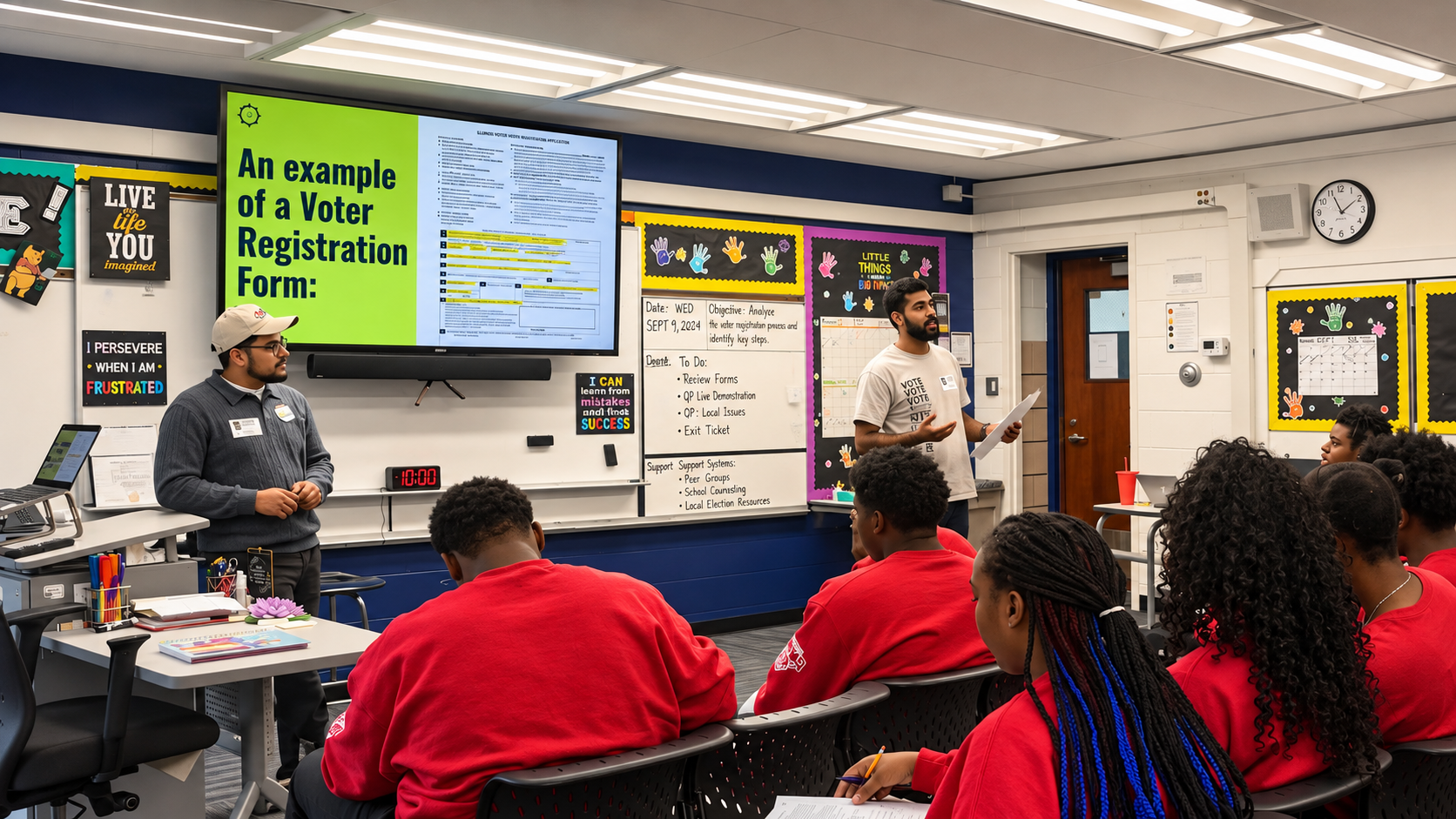
Display technology planned around sightlines, room configuration, and practical use. Applications include classroom displays, presentation environments, and other commercial video needs.
Residential Audio & Video
Audio and video integration that considers room layout, equipment placement, visual appearance, and straightforward operation in residential environments.
System Configuration & Controls
Equipment installation is only part of the process. Configuration, system testing, and user instruction help prepare the finished installation for everyday operation.
Designed Around the Environment
Different spaces place different demands on audio and video technology. Our approach considers those requirements before determining how systems should be installed and configured.Our multidisciplinary team analyzes each objective, designs a tailored roadmap, and implements with rigorous oversight.
Commercial Environments
A restaurant's sound requirements differ from those of a classroom or conference room. En-Progress considers how audio and video should function within each environment, including equipment location, installation conditions, and the needs of staff and users.
Residential Environments
Home technology should complement the space rather than dominate it. We consider how audio and video equipment fits the room, supports everyday activities, and remains practical for the people who use it.
From Planning to Everyday Operation
Thoughtful integration involves more than selecting equipment. Our process considers how the technology will be installed, configured, tested, and handed over.
01 Understand the Space
Identify how the room will be used, the requirements of the technology, and any existing conditions that influence the installation.
02 Plan & Coordinate
Consider equipment placement, infrastructure, mounting requirements, and coordination with the broader project team.
03 Install & Configure
Install the agreed systems and configure equipment according to the project's requirements.
04 Test & Hand Over
Verify system operation, address outstanding issues, and provide practical instruction for the people using the technology.
Technology Adapted to the School
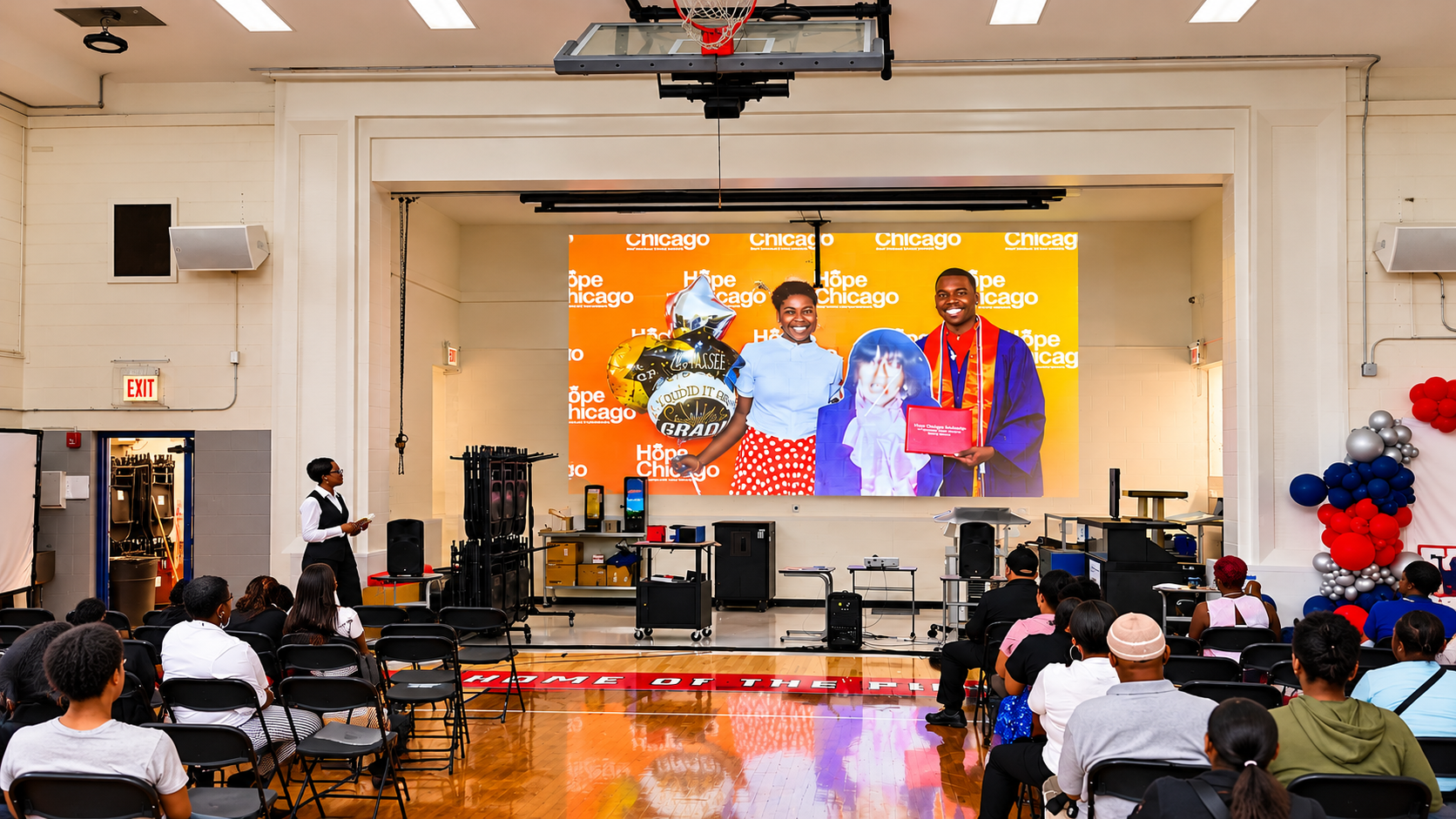
Noble Schools | Chicago
An En-Progress classroom AV project at Noble Schools demonstrates how technology can be selected to work with existing teaching environments.
The project incorporated new classroom displays and mounting solutions that preserved access to existing whiteboards, allowing educators to use modern visual technology without sacrificing a familiar teaching surface.